Key takeaways
- Five steps: passengers, contact, flights, hotels (optional), purpose and delivery.
- The running total changes as passengers, flights and hotels are added.
- Payment is through PayPal, in USD at a fixed rate.
- Delivery is by email or WhatsApp on the date you choose; usually 10–20 minutes during working hours.
Step 1: Passenger details
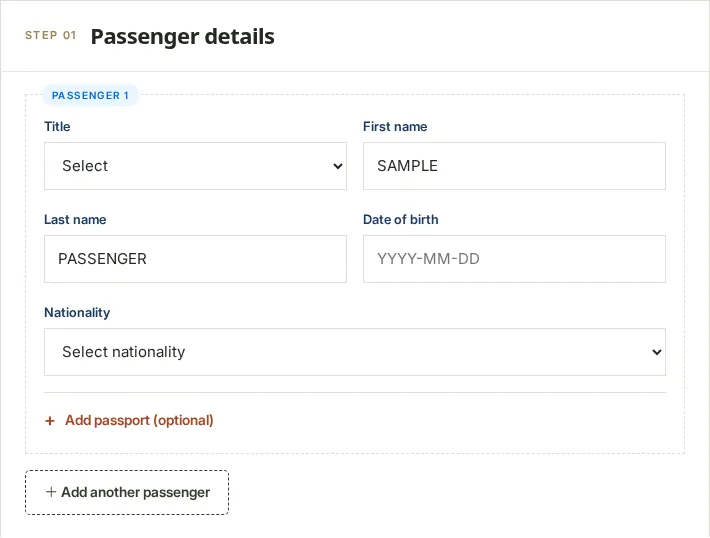
Enter names exactly as printed on the passport. You can add up to nine passengers. An optional passport-reading tool can fill the name, date of birth and nationality for you; it sends the image to an outside AI provider only if you tick the consent box, and you review every field before applying it. Our privacy policy explains what happens to the image. You can always type the details instead.
Step 2: Contact details
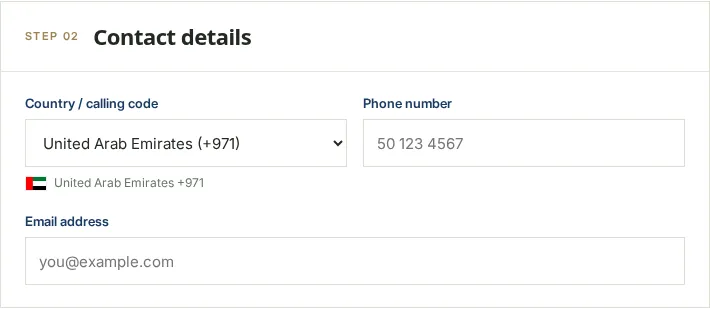
Use an email address and WhatsApp number you check. If either is mistyped we cannot deliver.
Step 3: Flight details
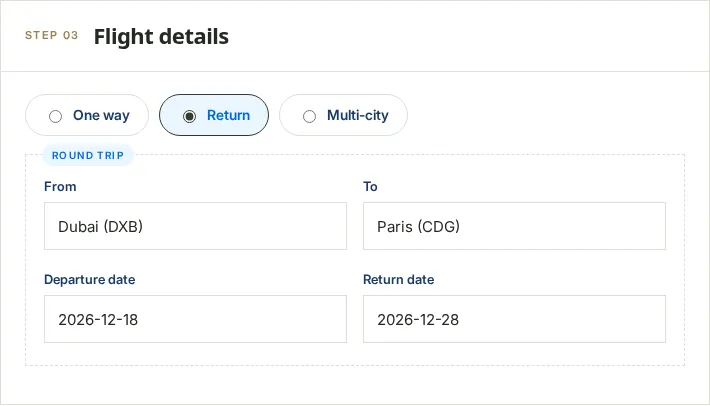
Type a city or airport code and pick from the list. For multi-city, add each flight in order; the price is AED 49 per passenger for each two flights.
Step 4: Hotels (optional)
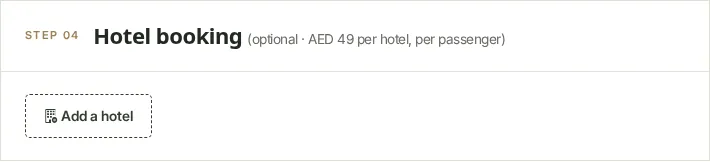
Each hotel costs AED 49 per passenger. Leave this step empty if your checklist does not ask for accommodation.
Step 5: Purpose and delivery
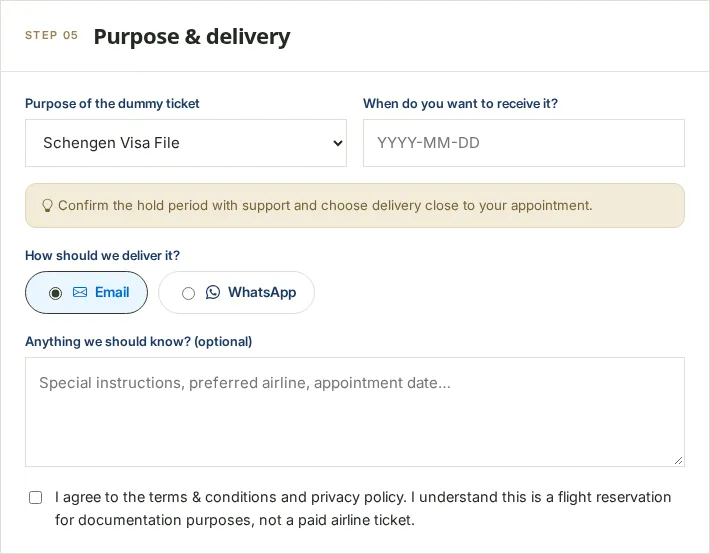
Choose a receiving date close to your appointment, because airline holds are limited. Then tick the box confirming you understand the document is a reservation for your file, not a paid ticket, and agree to the terms.
The fare summary and payment
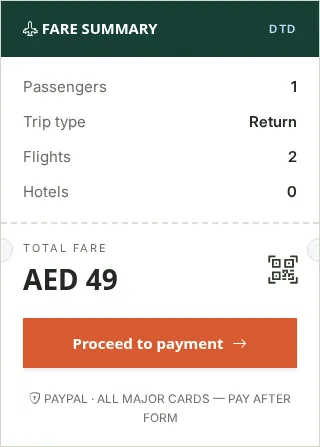
Selecting Proceed to payment takes you to PayPal, which charges the US-dollar equivalent. See price examples.
After you pay
- The order is sent to our team and an order email goes to the address you entered.
- We create the reservation and send the PDF by your chosen method on your receiving date. Our delivery policy sets out timings.
- Check it on the airline site with the booking reference and surname (how).
- Reply to the delivery message or contact us if anything is wrong.
Frequently asked questions
How long does the form take?
For one traveller on a return trip, a few minutes. Have the passport to hand.
Do I need to upload my passport?
No. The passport reader is optional; you can type everything.
Can I order for someone else?
Yes. Enter their passport details and your contact details.
When will I receive it?
On the date you choose; usually 10–20 minutes after we start work during working hours. Weekends and holidays can be slower.
What if I made a mistake?
Contact us straight away. Purchases are final once the booking is confirmed, so check everything before you pay.